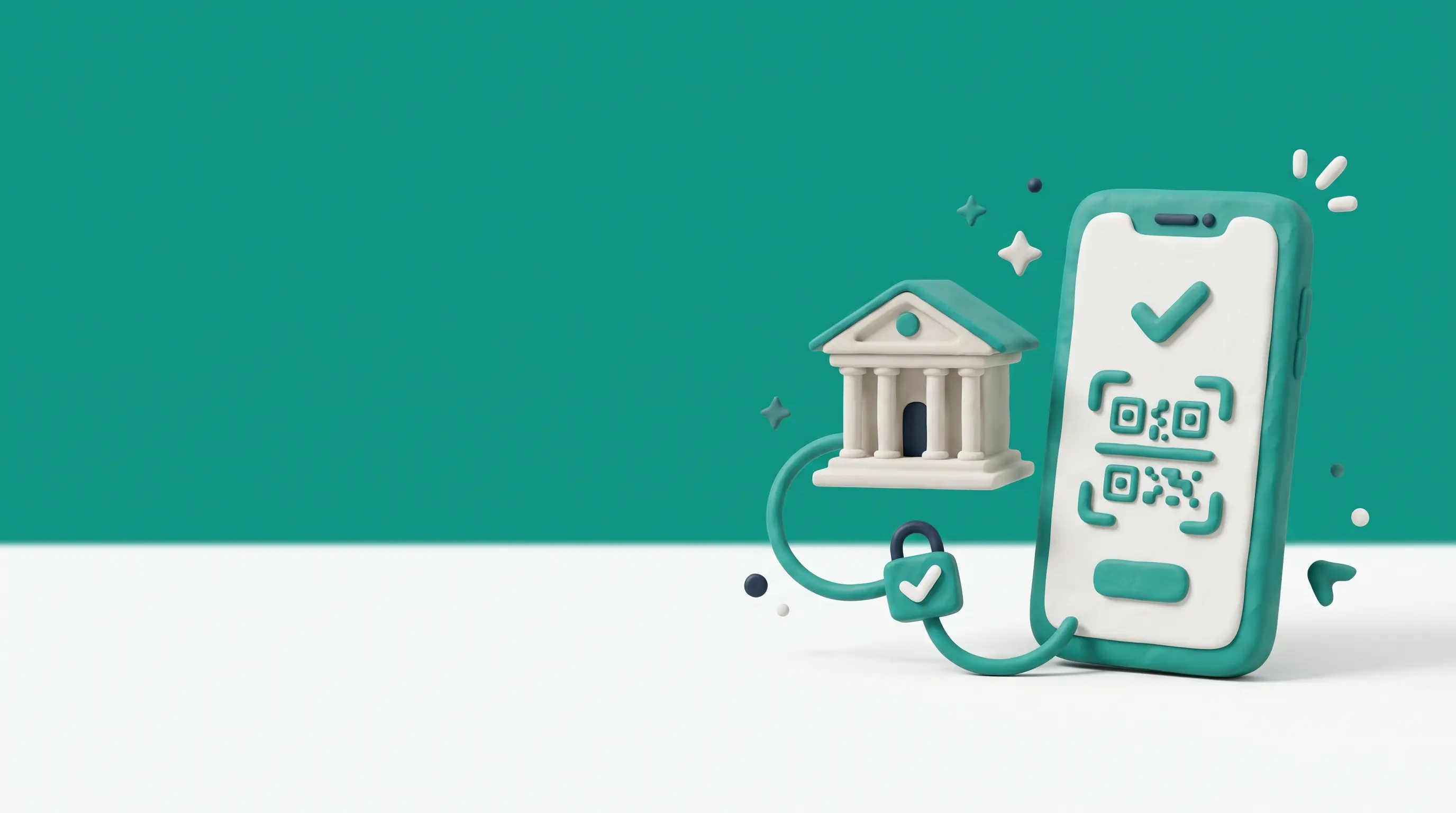
Is iPay available in your 1xBet cashier?
The list of payment methods available in the cashier is dependent on the account currency and the region selected at registration, so iPay may not be available for all accounts. Before you go to the trouble of deciding it's not available, just do the following three quick checks:
- Your account currency is LKR (as the methods shown are those applicable to the currency you selected at registration).
- You're looking at the Deposit list rather than the Withdraw list as the two lists can be very different.
- Your 1xBet app has been updated to the latest version as an older version may display an incomplete list.
If iPay is still missing after all that then the next options are eZ Cash or bank transfer.
How to Deposit with iPay Step by Step
- Open Deposit. Log into your 1xBet account, go to Deposit and select iPay from the list of available methods.
- Enter the amount (must be at least LKR 500 so check it before you proceed).
- Confirm the payment. 1xBet will then display a payment request or a QR code (depending on your account).
- Approve it in the iPay app. Open iPay on your phone. If you're presented with a QR code then scan it. If you've received a request then approve that request and follow the on screen prompts in the app.
- Check the iPay receipt. Just wait for the receipt screen to confirm the payment has gone through.
- Check your balance. Go back to 1xBet and confirm that the deposit has appeared in your account balance.
Keep the iPay receipt ID for every 1xBet iPay deposit as that's the very first thing you'll need if the funds don't appear.
iPay Limits and Timing on 1xBet
The 1xBet iPay limit and timing figures in the table below were last checked by the site team on 15th October 2026 and relate to deposits made via the iPay app.
| Parameter | Value |
|---|---|
| Minimum deposit | LKR 500 |
| Maximum deposit | LKR 49,000 |
| Deposit time | up to 5 minutes |
| 1xBet fee | No fee |
| Withdrawals to iPay | available |
Bank side limits on the account associated with your iPay may be lower than the above figures, in which case the lower limit will apply.
Withdrawing After an iPay Deposit
Withdrawals to iPay are available at the moment. If iPay isn't on your withdrawal list then the normal route is a bank transfer to an account in the same name as your betting account. Whatever route you see in the cashier remember these three points:
- Verify first. Full account verification must be completed prior to your first withdrawal request otherwise the payout will be held up due to missing documentation.
- Keep the names matching. The name on the receiving iPay or bank account must match the name on your 1xBet account.
- Expect a wait. Payout speed is dependent on the route so check the withdrawal time tracker for the most up to date tested times.
FAQ
- Q01Why did my iPay payment fail on 1xBet?
The majority of failures are down to a daily bank limit, the wrong amount or an expired QR code. Check those things off, then initiate a new payment request rather than reusing the old one. If the funds have left your bank account then you'll need to look at what you can do about delayed payments.
- Q02Is iPay the same as a bank transfer?
No iPay is a payment app which sends the money from your bank account. A bank transfer is a transfer made directly through your bank or your bank's online banking. They both end up in your bank, just the approval steps and the screens you see are different.
- Q03Can I use iPay without having a bank account?
No iPay is linked to a bank account so you'll need one to sign up and to authorise the payments. If you don't have a bank account then a mobile wallet (such as eZ Cash) would probably be the easier option for your 1xBet payments.
More cashier guides
 Deposit & withdrawal limits1xBet deposit and withdrawal in Sri Lanka: eZ Cash, mCash, FriMi, iPay, Upay, bank transfer and USDT, with LKR limits and payout times. Adults 18+ only.
 eZ Cash1xBet eZ Cash guide for Sri Lanka: how to deposit and withdraw with Dialog eZ Cash, app vs USSD, and quick fixes if a payment does not show. Adults 18+.
 FriMi1xBet FriMi deposit guide for Sri Lanka: see the limits first, follow the steps to fund your account from FriMi and find options if it is missing. 18+.
 mCash1xBet mCash guide for Mobitel users in Sri Lanka: load your wallet, deposit and withdraw step by step, and check limits and timing. No bank account needed. 18+.
 Upay1xBet Upay guide for Sri Lanka: check the limits, follow five deposit steps, compare Upay with eZ Cash and see if withdrawals to Upay are available. 18+.
 Bank transfer1xBet bank transfer in Sri Lanka: how to withdraw to your bank account, deposit via Sampath Vishwa where offered, and avoid name and reference mismatches. 18+.
 Verification1xBet verification documents for Sri Lanka: accepted IDs, how to upload them, photo rules that avoid rejection, how long the check takes and your data.